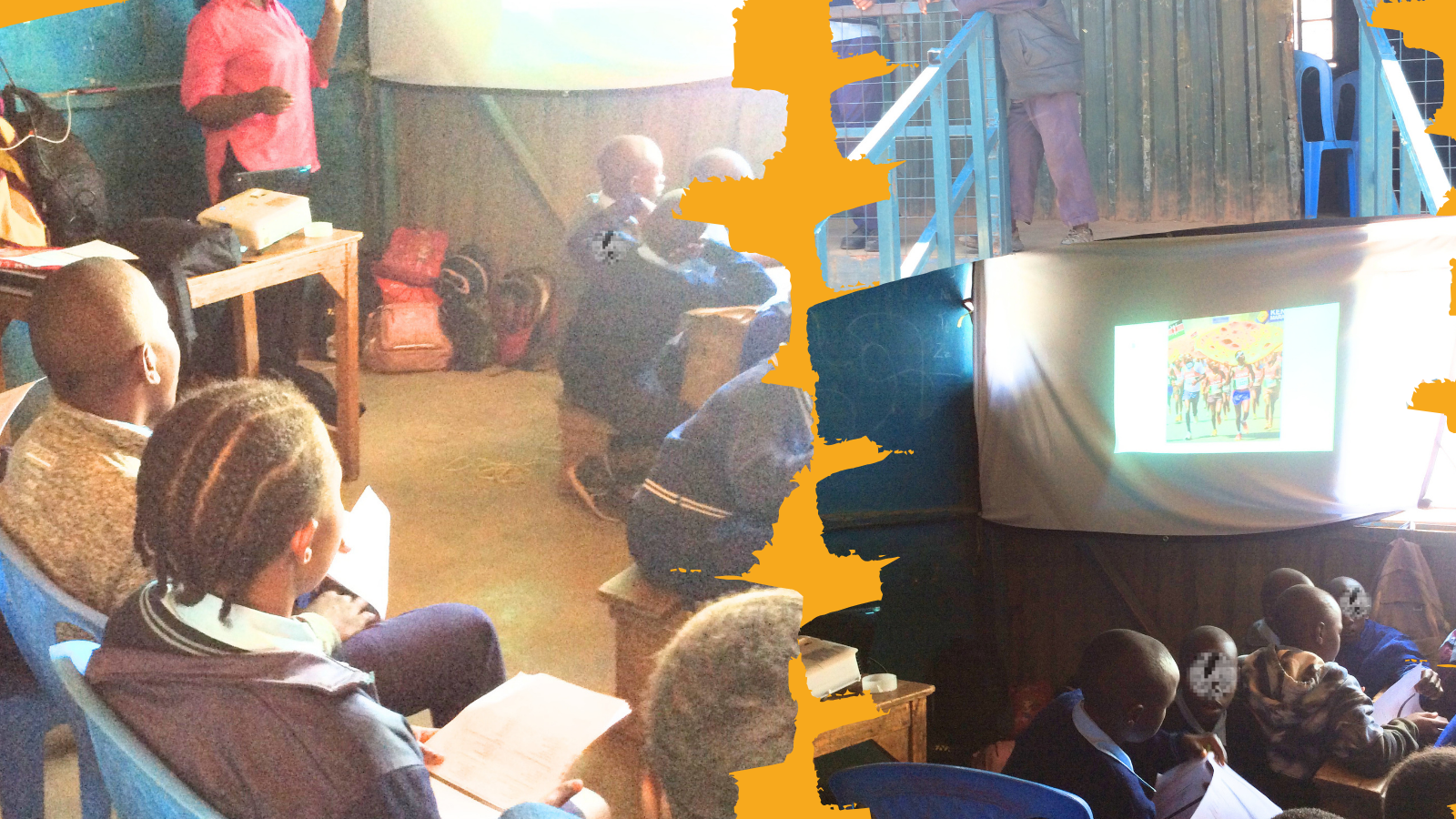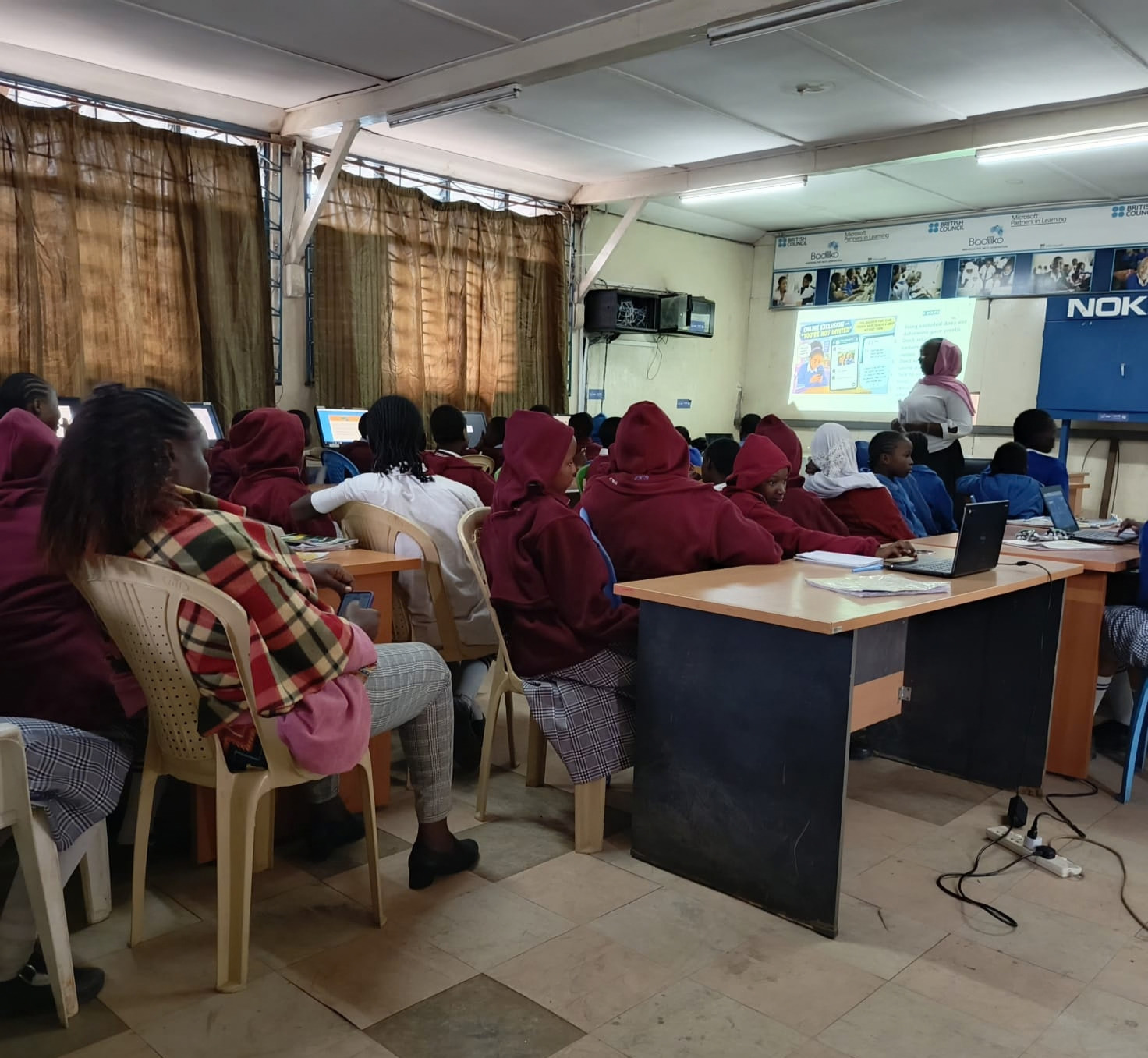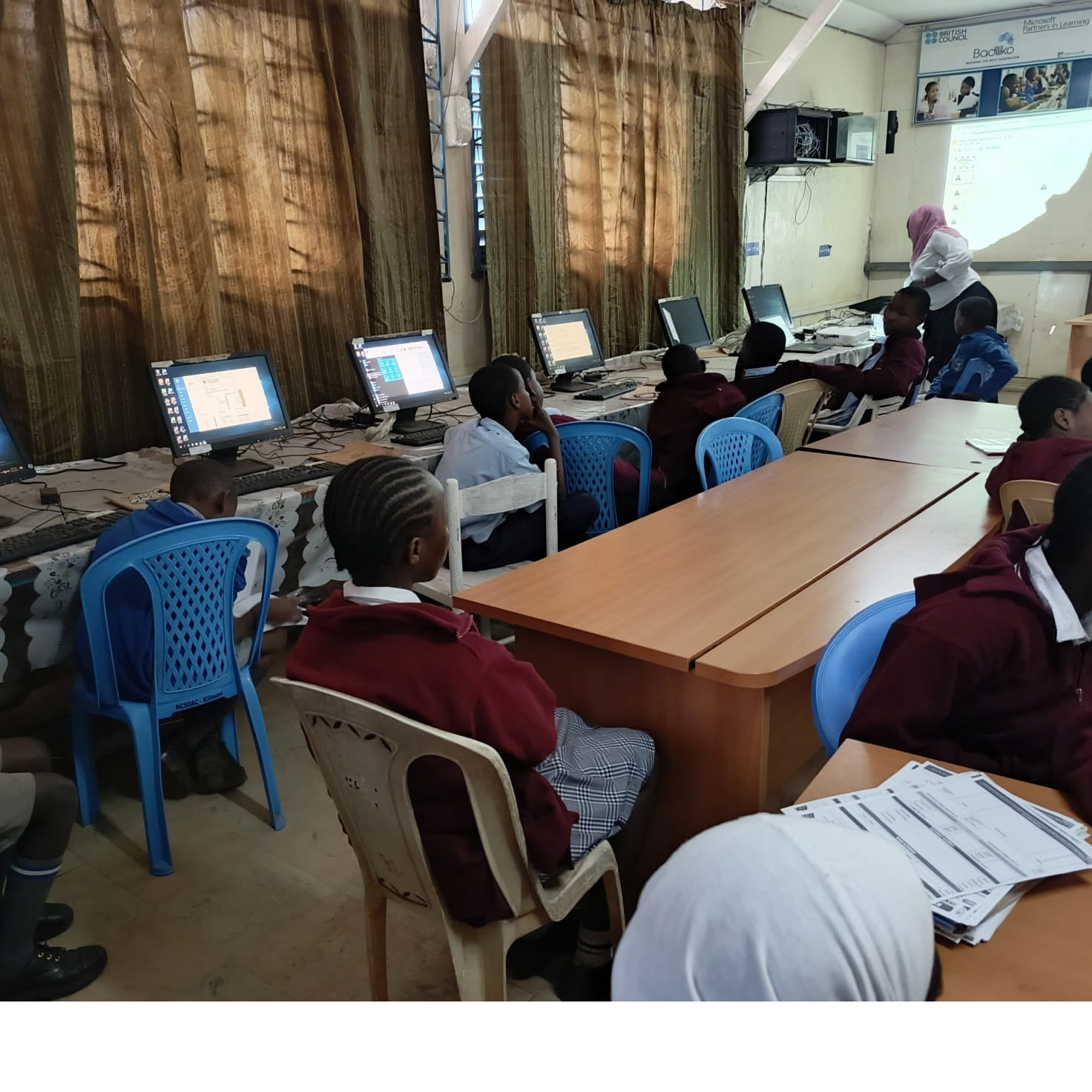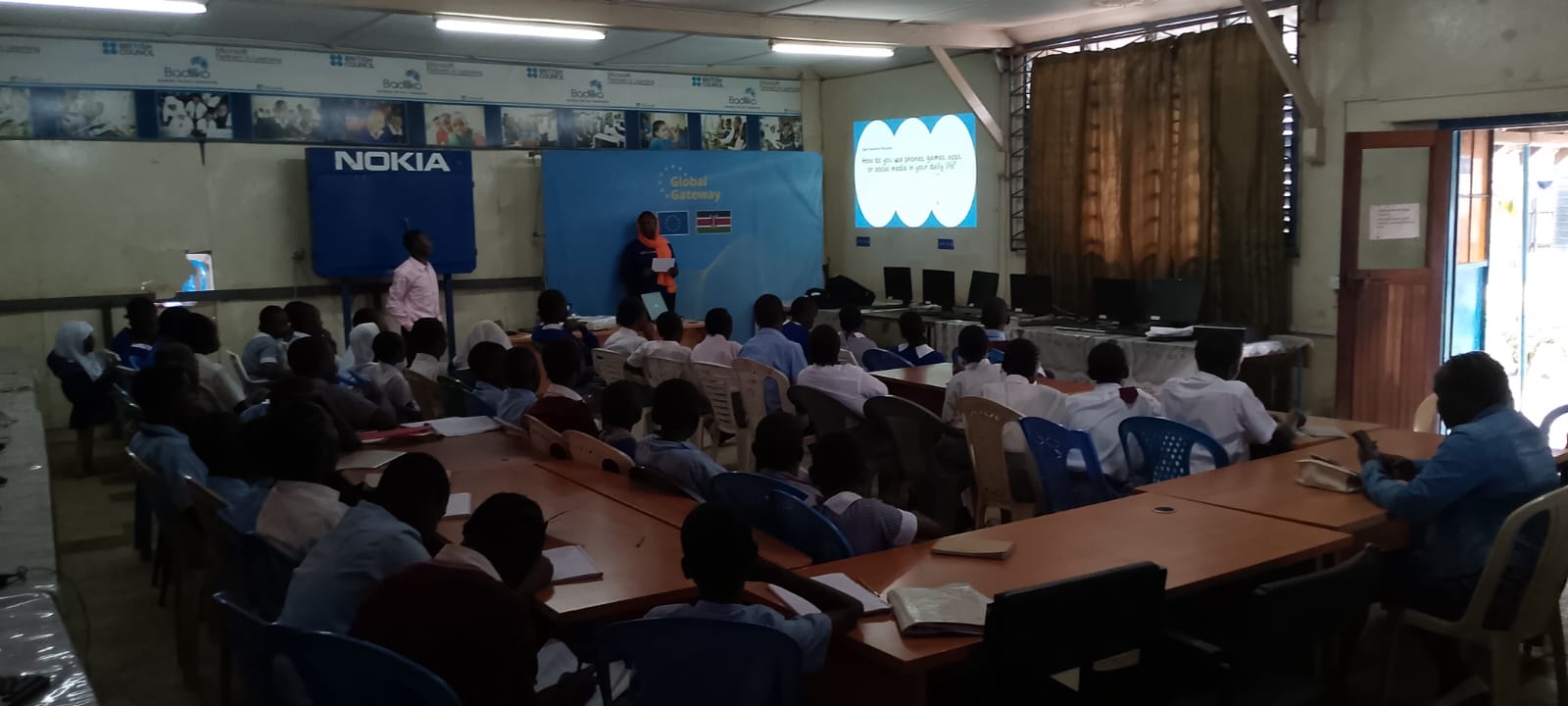
Critical Thinking & Media Literacy Toolkit for educators
Fact Forward’s media literacy learning tool is designed to enhance skills and engagement among both teachers and students. The tool is guided by an empowering, three-tiered learning framework designed to enhance media literacy skills for children and pre-teens/early adolescents aged 9 to 14, transforming them from passive consumers of information into critical evaluators at the basic, intermediate, and advanced levels.
Its core methodology emphasizes a blended approach that includes gamification, experiential learning, peer collaboration, and digital storytelling throughout its modules.

This approach includes engaging digital media literacy games and quizzes designed to educate individuals about misinformation, disinformation, identifying fake news, cyberbullying, and exploitation.
This involves using basic fact-checking tools, apps, and websites to verify information and assess the credibility of news sources.
Participants engage in practice scenarios that help them respond to situations involving misinformation.
Topic: Digital media literacy:
Subtopic : Understanding Misinformation, Disinformation & Fake News
Age Appropriate: 9 – 14 (Grade 5 to 7)
Learning Outcome
By the end of the end of the session the learner should be able to:
- Understand the basic difference between misinformation, disinformation, and fake news.
- Practice identifying examples.
Materials Needed
- Prepared slide deck (To access the complete toolkit and slide deck, please get in touch with us.)
- Small slips of paper
- Pencils
Instructor Script & Actions: Modelled discussion (approx. 40 – 50 min)
This lesson teaches children to identify false information and to verify claims before believing or sharing them. Through storytelling and discussions, they learn about misinformation, disinformation, and fake news.
In pairs, children analyse viral content, spot false information, and explain their reasoning. Discussions encourage critical thinking about why misinformation spreads and its impact.
Key message: Not everything online is true—pause, think, and check before you believe or share.
To access the complete toolkit and slide deck, please get in touch with us.
Topic: Digital media literacy:
Subtopic : Understanding Facts and Opinions: Building Critical Thinking Skills
Age Appropriate: 9 – 14 (Grade 5 to 7)
Learning Outcome
By the end of the end of the session the learner should be able to:
- Define a fact and an opinion in their own words.
- State what is fact checking in their own words?
Materials Needed
- Prepared slide deck (To get the slide deck, please get in touch with us)
- Small slips of paper
- Pencils
Instructor Script & Actions: Modelled discussion (approx. 40 – 50 min)
This lesson teaches children to distinguish between facts and opinions, a key skill for media and information literacy.
Students engage in discussions, partner activities, and games to learn that facts can be verified with evidence, while opinions reflect personal beliefs or feelings. They use real-life examples to identify statements as factual or opinion-based and explain their reasoning.
By the end, children gain confidence in questioning information and making informed decisions based on evidence rather than personal views.
Key message: Facts can be checked with evidence, while opinions reflect what people think or feel.
To access the complete toolkit and slide deck, please get in touch with us.
Topic: Digital media literacy:
Subtopic : Smart Search: Helping Children Find Reliable Information Online
Age Appropriate: 9 – 14 (Grade 5 to 7)
Learning Outcome
By the end of the end of the session the learner should be able to:
- Master the techniques of Smart Search
- Identify safe browsing options
Materials Needed
- Laptop or computer
- Projector / screen
- Prepared slide deck (To get the slide deck, please get in touch with us)
Instructor Script & Actions: Modelled discussion (approx. 40 – 50 min)
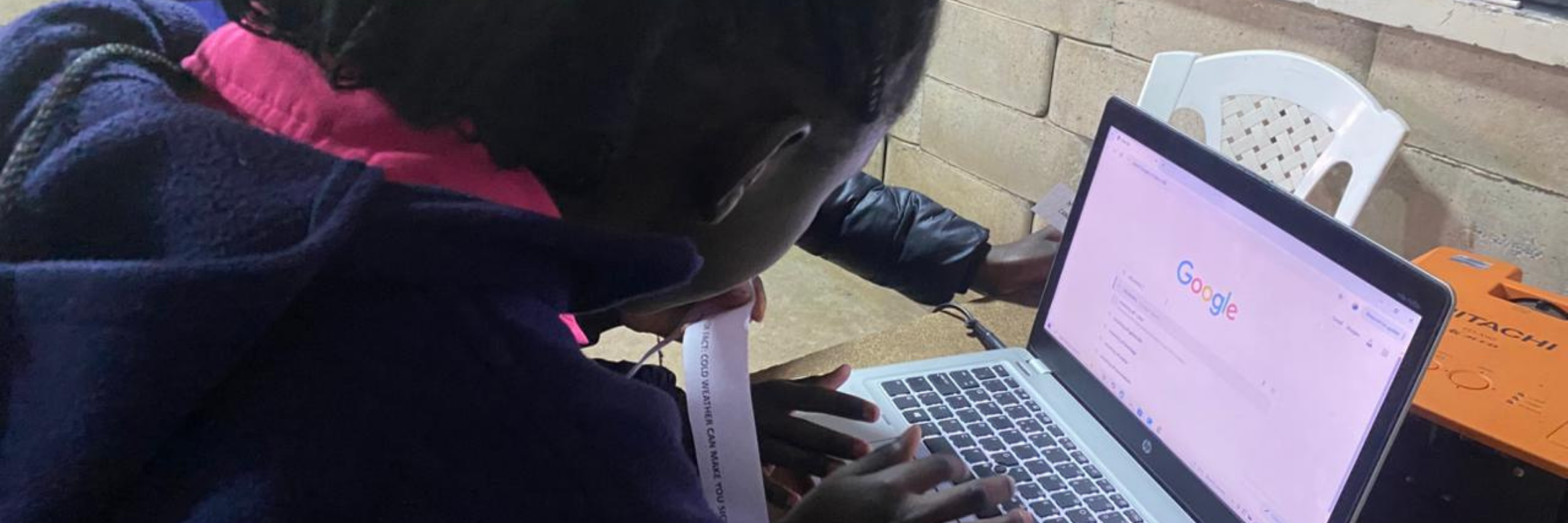
The Smart Search lesson teaches children to search for information safely and effectively. They learn to distinguish between child-friendly websites and those with too many ads or unsafe links, highlighting the importance of trusted sources.
Through activities, children discover that specific search terms yield better results than general ones. They practice asking key questions like, “Who created this information? Can I trust it?” This encourages critical thinking and introduces fact-checking.
The lesson also covers safe browsing skills, helping children recognise trustworthy websites, avoid suspicious links, protect personal information, and seek help from trusted adults if needed. They learn that while HTTPS indicates a secure connection, it doesn’t guarantee the accuracy of the information, so verifying sources is essential.
At the end, students reflect on what they learned and how to apply these skills when searching online.
Key message: Search smart, browse safely, and always check the facts before sharing.
To access the complete toolkit and slide deck, please get in touch with us.
Topic: Digital media literacy:
Subtopic : Fact-Checking: Think Before You Share
Age Appropriate: 9 – 14 (Grade 5 to 7)
Learning Outcome
By the end of the end of the session the learner should be able to:
- Explain key fact-checking concepts and vocabulary, including facts, opinions, sources, evidence, and verification.
- Apply basic fact-checking skills to evaluate information and determine whether content is true, misleading, fake, or AI-generated.
Materials Needed
- Laptop or computer
- Projector / screen
- Prepared slide deck (To get the slide deck, please get in touch with us)
Instructor Script & Actions: Modelled discussion (approx. 40 – 50 min)
This lesson teaches children how to verify information before believing or sharing it online. They explore why misinformation spreads and learn key fact-checking skills through discussions and activities.
Using the four-step approach Stop, Look, Check, Think, children practice pausing before sharing content, identifying creators, verifying information, and spotting warning signs like misleading images.
In the Debunked Box Challenge, they investigate media posts to determine if the information is true, false, or needs more verification. This fosters critical thinking and highlights the importance of questioning online claims.
The lesson concludes with an introduction to trusted fact-checking organisations and encourages children to practice these skills at home.
Key message: Don’t be the first to share—be the first to check!
To access the complete toolkit and slide deck, please get in touch with us.
Acknowledgement and Permission
The Fact Forward Digital Literacy Toolkit was developed by Fact Forward Digital Foundation to support media, information, and digital literacy education for children and young people. We encourage educators, schools, and partners to acknowledge the Foundation whenever using or referencing this material. Permission must be obtained from Fact Forward Digital Foundation before reproducing, adapting, distributing, or using any part of this toolkit beyond its intended educational purposes. For permission requests or to obtain full access to the complete toolkit and accompanying teaching resources, please contact Fact Forward Digital Foundation.
©: Email: info@factforwardfoundation.org